

How to improve your video SEO strategy
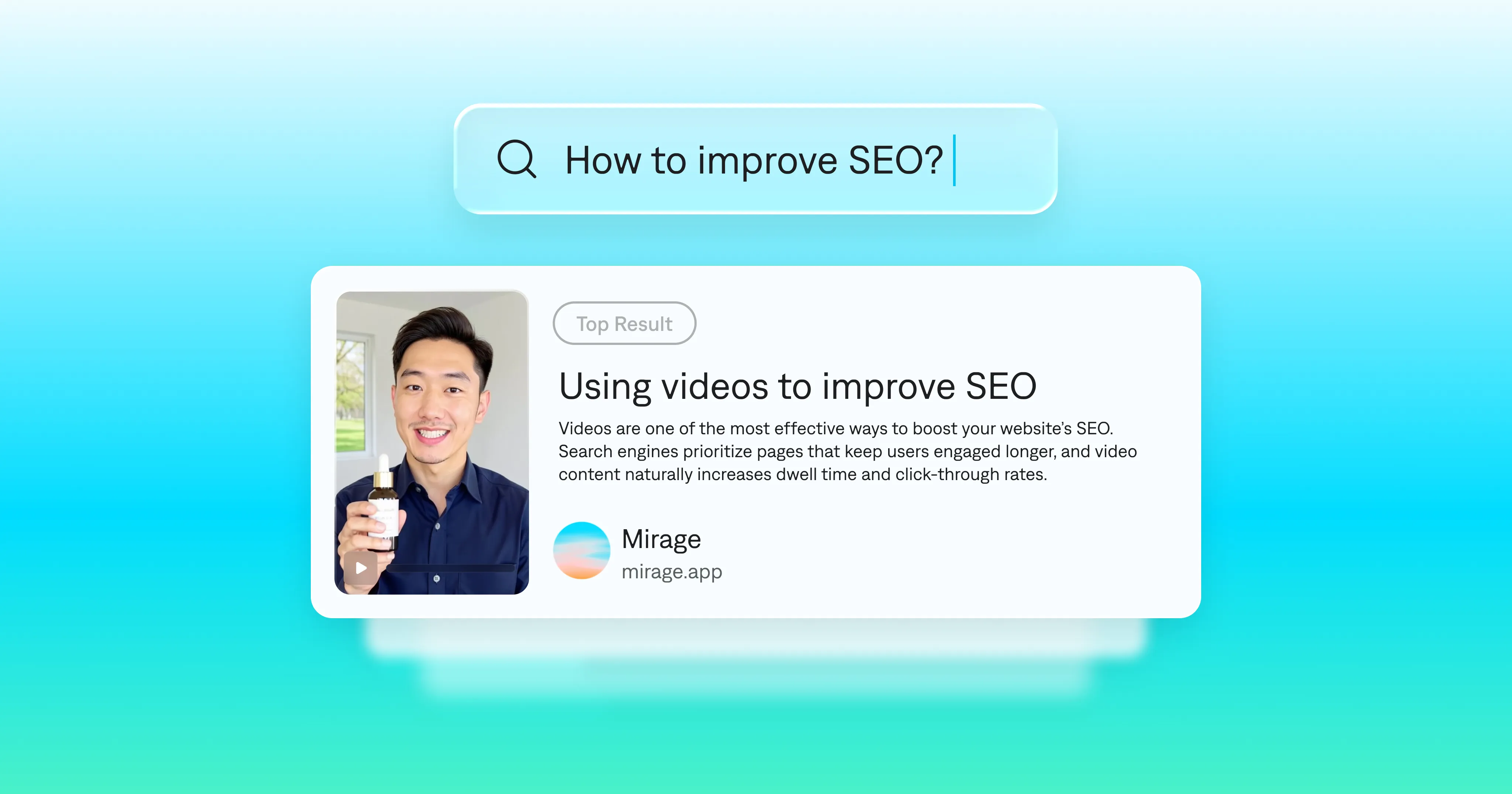
If you already spend time building your SEO strategy, you know blogs and web pages build visibility. Take it to the next step with a dedicated video SEO strategy.
When you add videos to your website, you keep visitors engaged longer. Those same videos can also appear on YouTube and in Google search results. Videos give search engines stronger signals that your content is worth showing and help extend your reach to new audiences.
How to optimize videos for search engines
1. Start with user research
As with any SEO, great video SEO comes from great insights. First, make sure you understand what your audience is looking for.
Use tools like Google Keyword Planner, Ahrefs, or YouTube’s search bar to spot patterns. Look for phrases like “how to,” “what is,” or “best way to.” These signals often lead to topics that perform well in both YouTube and Google results.
Once you’ve identified strong keywords, turn them into videos that provide real value. A quick walkthrough can become a short explainer, while a more complex question might deserve a deeper tutorial.
2. Make a variety of videos
With Captions, you can turn those ideas into high-quality videos in minutes. Because it's quick to generate videos from prompts or even images, you can make a variety of videos that directly answer audience queries.
This not only makes your site more engaging but also improves its SEO performance. Pages with well-placed videos tend to rank higher and keep visitors around longer, both of which help your SEO video ranking.
3. Optimize video metadata
Small details make a big difference in how your videos perform. Search engines rely on context to understand what your video is about, and clear metadata helps them do it. Wherever you post videos, optimize the fields available to you. Common metadata types include:
Titles: Keep them clear, descriptive, and under sixty characters. Lead with your main keyword. For example, “How to Create Captions for Social Videos” works better than “Our Favorite Captioning Tips.”
Descriptions: Write a few sentences summarizing what viewers will learn. Add links to related resources or your website. This helps YouTube and Google understand the connection between your video and your brand.
Tags and Categories: Add relevant tags and categories so your video appears in related search results. Avoid generic tags and focus on specific, high-intent keywords.
Captions: Many platforms index caption text, improving your chances of appearing in search results. You can use tools like the Captions app to automatically add subtitles to make your videos more accessible and searchable.
If you can adjust other copy near the video, make sure it uses similar titles and descriptions.
4. Make your videos easy to find and understand
Even well-optimized videos need technical support to show up in search. Two simple tools make it easier for search engines to discover and index your content.
Video sitemaps: A video sitemap lists your videos with details like title, description, and thumbnail. It tells Google exactly where your videos live on your site. You can create one manually using Google’s guidelines, generate it through your CMS, or install a plugin that updates it automatically.
Schema markup: Schema markup adds structured data that helps search engines display your videos more effectively. It can show information like video length, upload date, and thumbnail in search results. Most CMS platforms and SEO plugins let you add this data easily.
5. Track what works and keep improving
Good SEO is always evolving. The same goes for video.
Start by deciding what metrics matter most to your brand goals. For example, if your focus is on increasing awareness, monitor views and reach. If you want more engagement, keep an eye on watch time and shares.
Tools like YouTube Studio, Google Search Console, or your social analytics can help you spot what’s working across platforms. Over time, you’ll start to see patterns in what performs best. Maybe short tutorials perform better than long explainers, or certain topics drive higher watch times.
When you find what works, build on it. The more consistently you refine and publish, the stronger your SEO video ranking becomes.
Create SEO-friendly videos with Mirage
Creating videos that perform shouldn’t slow you down. Mirage makes it easy to produce more videos, faster, so you can grow your visibility and reach new audiences.
With Captions, you can instantly edit your videos with simple prompts. Add captions, effects, and media to bring your story together. You can also generate high-quality, lifelike videos from text, images, or audio in minutes.
Captions makes it simple to create and scale the kind of videos that improve your SEO video ranking and reach more people.